


Our verdict
Divi gives agencies one visual builder and one licence for unlimited sites, but a clean install was much heavier than Twenty Twenty-Five and Divi 5 content does not move to other themes.
- One yearly or lifetime licence covers unlimited websites, which suits agencies.
- Theme Builder templates control headers, footers and post layouts from one place.
- Theme Options and the Customizer cover the header, footer, blog and mobile styles in detail.
- Clean Divi cut our test page Lighthouse score from 97 to 77 and more than doubled page weight.
- Starter sites and updates need an Elegant Themes login; nothing worked for us without one.
- Pages built with Divi 5 are stored as Divi blocks, so switching theme later breaks them.
At a glance
- Developer
- Elegant Themes
- Category
- Page Builder, Themes
- Theme kind
- Hybrid theme
- Design range
- 0 patterns, 0 style variations
- Page builders
- Divi Builder (built in)
- Lifetime price
- $249 lifetime
- Version tested / latest
- 5.19.1 / 5.19.1
- Last updated
- November 18, 2026
- Requirements
- WordPress 6.0 or later, PHP 7.4 or later
- Free version
- No
- Pro from
- $89/year
- Renewal
- $89/year
- Refund policy
- 30-day full refund on every plan (elegantthemes.com/join, checked 26 Nov 2026).
- Security
- Patchstack lists 14 vulnerabilities in Divi (Jan 2020 to Sep 2026), all fixed, 0 open. Latest: missing authorization allowing unauthenticated execution of registered shortcodes in Divi 5.0 to 5.11.1 (CVSS 5.3), fixed in 5.12.0 (Sep 2026). Also in 2026: Contributor+ stored XSS and SSRF issues in Divi 4 up to 4.27.6, fixed in 4.27.7. WPScan lists 6, the latest from May 2024. Checked 26 Nov 2026.
By Sophia Bennett, Theme Reviewer. Tested 26 November 2026 on Divi 5.19.1 in the WPScorix Lab. Disclosure: WPScorix may earn a commission if you buy through our links. It never changes our scores.
What Divi is and who it is for
Divi is a premium WordPress theme by Elegant Themes with its own visual page builder built in. It is a hybrid theme: a classic theme you set up in Theme Options and the Customizer, with a theme.json file for block styles. It has no block templates, patterns or style variations, so you design pages in the Divi builder, not in the Site Editor.
Divi 5 is a rebuild of the builder. Pages you build with it are saved as Divi blocks that other themes cannot display. That makes Divi a platform choice more than a theme choice.
Divi suits freelancers and agencies who build many client sites and want one licence for unlimited websites. Skip it if you want a light theme for a blog, or if you want to stay with the block editor and be free to switch themes later.
How we tested
We installed Divi 5.19.1 from the official download on our WPScorix Lab (WordPress 7.1.4, PHP 8.3.30) on 26 November 2026, with no plugins. We measured the home page, a long post and our test page against Twenty Twenty-Five, taking the median of 3 runs each. The install was not licensed, and we did not log in to an Elegant Themes account, so we could not import a starter site. We then switched back to Twenty Twenty-Five, deleted Divi and checked what it left behind. Read how we review.
Divi design and templates
Feature check
| Feature | Free | Pro | Our result |
|---|---|---|---|
| Theme Options panel (8 tabs) | ✗ | ✓ | Works |
| Customizer header, footer, blog and mobile styles | ✗ | ✓ | Works |
| Theme Builder (global header, body, footer) | ✗ | ✓ | Works |
| Role Editor | ✗ | ✓ | Works |
| Divi 5 Migrator | ✗ | ✓ | Works |
| Divi Quick Sites starter sites (needs account login) | ✗ | ✓ | Pro only |
| Divi AI, Divi Cloud, Divi VIP (Divi Pro) | ✗ | ✓ | Pro only |
| Block patterns, style variations and block templates | ✗ | ✗ | Not supported |
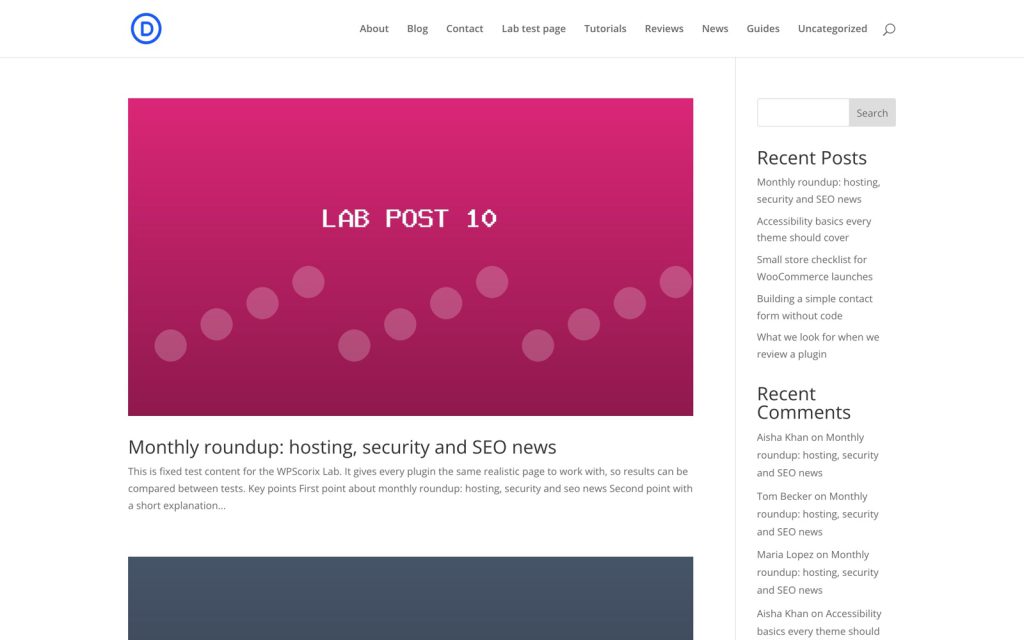
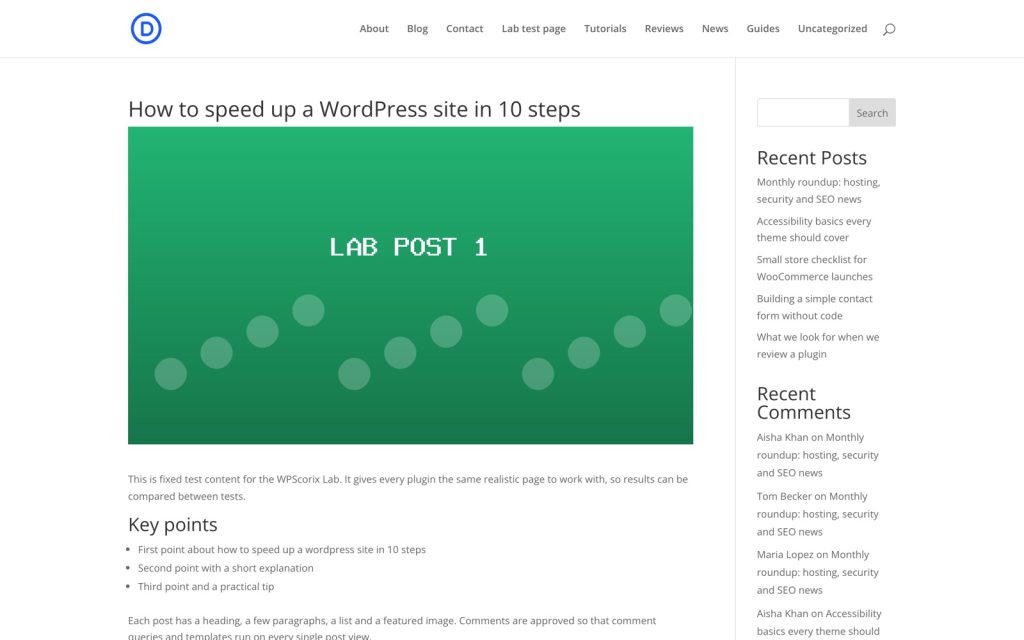
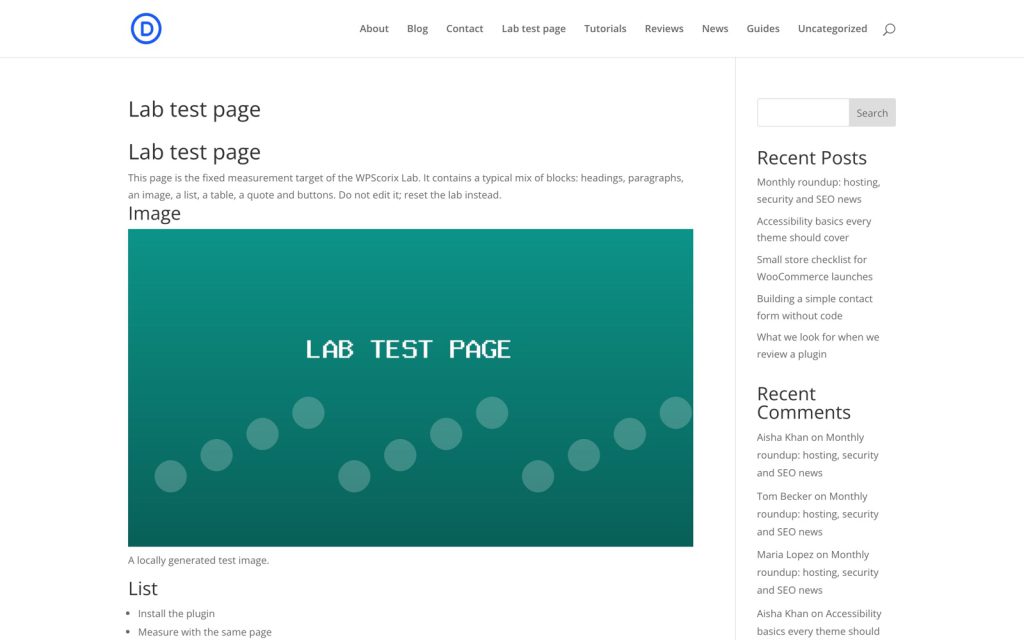
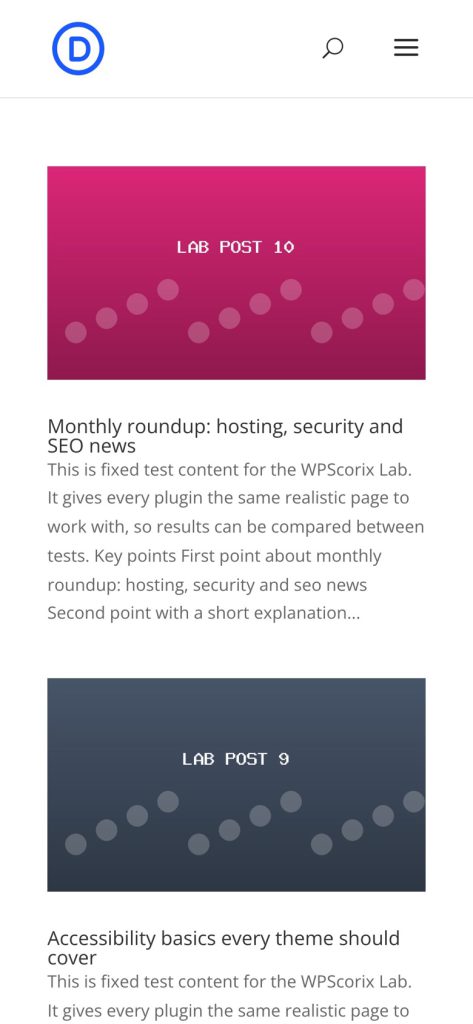
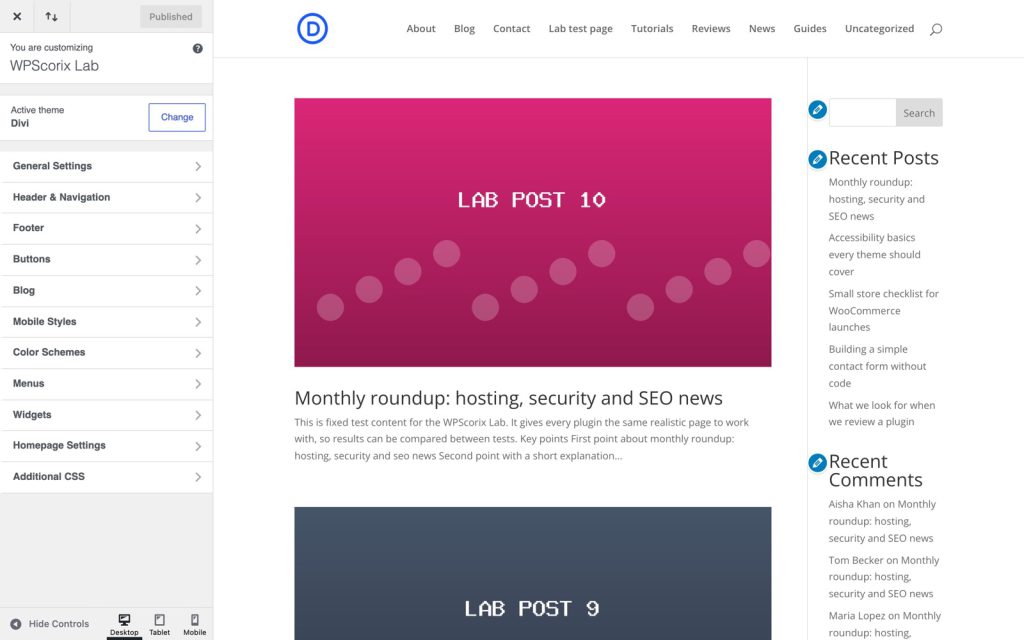
Out of the box, Divi gives you a plain layout: a logo on the left, the menu on the right, content with a right sidebar and a simple footer. It looks tidy but generic until you design it in the builder.
Starter sites
Divi offers starter sites and AI-generated sites through Divi Quick Sites. On our unlicensed install, the Divi dashboard asked us to log in to an Elegant Themes account to activate the licence, and the “Generate A New Site” button did nothing. We did not test starter sites, so Design & Templates is not scored and is left out of the overall score.
Patterns and style variations
Our theme check found 0 block templates, 0 template parts, 0 patterns and 0 style variations. Divi keeps its layouts in the Divi Library and its cloud, not in WordPress block patterns.
Headers and footers
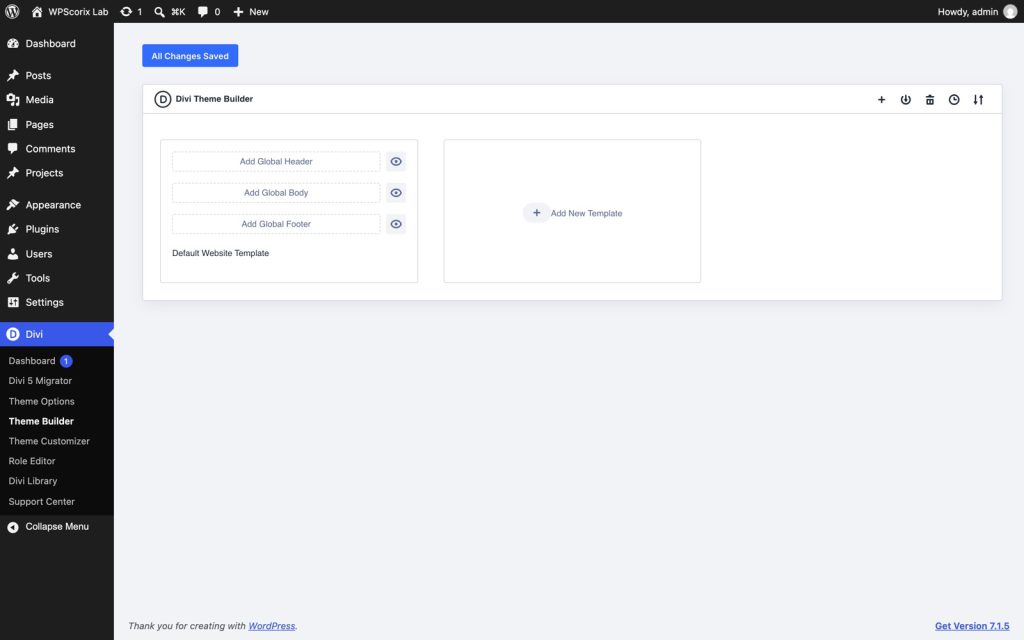
The Theme Builder replaces the classic header and footer. It opens with slots for a global header, body and footer, and you add templates for specific pages or post types. You design each one in the Divi builder. Without a Theme Builder template, the Customizer sets the default header style, menu and footer.
The table below shows what we checked on Divi 5.19.1.
Customization and ease of use
Divi spreads its settings over several screens. Theme Options has tabs for General, Navigation, Builder, Layout, Ads, SEO, Integration and Updates. The Theme Customizer adds panels for the header and navigation, footer, buttons, blog, mobile styles and colour schemes. The Theme Builder handles templates, the Role Editor limits what each user role can change, and the Divi Library stores saved layouts.
The first screen after activation is the Divi dashboard. It asks you to log in to activate your licence, then promotes Divi AI, the Marketplace, Divi Cloud, Divi Teams, Divi VIP and Divi Lifetime. Without the licence you get no updates and, on our install, no starter sites. The Divi 5 Migrator reported that our lab content needed no conversion.
We could not open the Visual Builder in our automated browser, so we do not report on the editing experience itself. Expect a learning curve: Divi has its own builder, its own library and its own template system on top of WordPress.
Divi screenshots
Divi performance
Performance results
| Metric | Twenty Twenty-Five | Divi clean | Difference |
|---|---|---|---|
| Lighthouse score, test page (mobile) | 97 /100 | 77 /100 | −20 /100 (−20.6%) |
| Largest Contentful Paint, test page | 2.14 s | 3.92 s | +1.78 s (+83.2%) |
| Cumulative Layout Shift, test page | 0 | 0.00 | +0.00 |
| Page weight, test page | 232.30 KB | 609 KB | +376.70 KB (+162.2%) |
| CSS/JS files, test page | 4 | 11 | +7 (+175.0%) |
| Database queries, test page | 22 | 55 | +33 (+150.0%) |
| Peak PHP memory, test page | 38 MB | 78.50 MB | +40.50 MB (+106.6%) |
| Time to first byte, test page | 1,726 ms | 3,053 ms | +1,327 ms (+76.9%) |
| Lighthouse score, home page (mobile) | 96 /100 | 64 /100 | −32 /100 (−33.3%) |
| Page weight, home page | 333.30 KB | 1,209.60 KB | +876.30 KB (+262.9%) |
| Lighthouse score, single post (mobile) | 95 /100 | 75 /100 | −20 /100 (−21.1%) |
| Database tables | 12 | 19 | +7 (+58.3%) |
Divi made every page we measured heavier and slower than Twenty Twenty-Five. On our test page, the mobile Lighthouse score fell from 97 to 77 and page weight rose from 232 KB to 609 KB, with 11 CSS and JS files instead of 4. Database queries went from 22 to 55 and peak PHP memory from 38 MB to 78.5 MB. The home page fell from 96 to 64, at 1,210 KB. Layout shift stayed close to 0. These numbers are for a clean install without a starter site; a Divi layout adds its own weight on top.
Compatibility, accessibility and security
Divi 5.19.1 needs WordPress 6.0 and PHP 7.4 or later. Its style.css has no “Tested up to” line. We saw no PHP notices in our debug log. We did not test WooCommerce, other page builders or RTL, and we did not run accessibility checks, so we make no claims about them.
Patchstack lists 14 vulnerabilities in Divi from January 2020 to September 2026, all fixed and none open (checked 26 Nov 2026). The most recent was a missing authorization issue in Divi 5.0 to 5.11.1 that let unauthenticated visitors run registered shortcodes; it was fixed in 5.12.0. Keep Divi updated, which needs an active licence.
Switching away is not clean. Activating Divi created 7 database tables for Divi AI chat, and after we switched back and deleted Divi, those 7 tables, 23 options, Divi post meta and a 456 KB et-cache folder were still there. Opening the Visual Builder also left a hidden Divi post type. Most important: anything you build in Divi 5 is stored as Divi blocks, so it will not display properly in another theme.
Support and documentation
Based on community feedback, not our own support test. Elegant Themes offers 24/7 live chat support to members, with faster replies on the paid Divi VIP service. On Trustpilot, Elegant Themes has a 4.8/5 score from 25,102 reviews, and most recent reviews praise patient, knowledgeable support staff (checked 26 Nov 2026). The complaints we saw were about occasional slow replies, an AI chat bot that could not solve a problem before a person did, and Divi 5 bugs. G2 and Capterra blocked our automated checks, so this score rests mainly on Trustpilot. The dashboard links to documentation on the builder, styles and Divi AI.
Pros and cons
Pros and cons
Pros
- One yearly or lifetime licence covers unlimited websites, which suits agencies.
- Theme Builder templates control headers, footers and post layouts from one place.
- Theme Options and the Customizer cover the header, footer, blog and mobile styles in detail.
- Patchstack lists no open vulnerabilities, and the latest issue was fixed in 5.12.0.
- Every plan has a 30-day refund.
Cons
- Clean Divi cut our test page Lighthouse score from 97 to 77 and more than doubled page weight.
- Starter sites and updates need an Elegant Themes login; nothing worked for us without one.
- Pages built with Divi 5 are stored as Divi blocks, so switching theme later breaks them.
- Deleting Divi left 7 database tables, 23 options and a cache folder behind.
- The dashboard is full of upsells for AI, cloud, VIP and team services.
Divi pricing
Divi pricing (checked 26 Nov 2026, USD)
| Plan | Price | What you get | |
|---|---|---|---|
| $89/year | Divi and Divi Dash on unlimited sites, with updates and support for a year. | Get Divi | |
Divi Lifetime | $249 once | Divi and Divi Dash for life on unlimited sites, with no renewal. | Get Divi Lifetime |
Divi Pro | Not verified | Divi plus Divi AI, Divi Cloud, Divi VIP and Divi Teams (4 members). | Get Divi Pro |
Divi has no free version. The regular price is $89 a year or $249 once for Lifetime, and every plan covers unlimited websites with a 30-day full refund. Divi Pro adds AI, cloud storage, VIP support and team seats; its regular yearly price was not shown on the pricing page when we checked, so we do not quote it. For agencies, one licence for every client site is good value. For a single site, you pay for a lot you may not use.
Score breakdown
- Design & Templates: Not scored. We could not import a starter site without an Elegant Themes login, and Divi ships no patterns or style variations. It is left out of the overall score. It is left out of the overall score.
- Customization: 3.5/5. Theme Options, the Customizer and the Theme Builder cover a lot, but we could not test the Visual Builder itself.
- Performance: 2/5. Lighthouse 77 against 97 on our test page, 609 KB against 232 KB, and 2 times the queries and memory of Twenty Twenty-Five.
- Ease of use: 2.5/5. Setup depends on an account login, the dashboard is mostly upsells, and Divi adds its own systems to learn.
- Support: 4/5. Based on community feedback: 4.8/5 on Trustpilot from 25,102 reviews, with praise for live chat and a few complaints about slow replies.
- Pricing & value: 4/5. Unlimited sites on every plan, a lifetime option and a 30-day refund.
- Security & Maintenance: 3/5. 14 fixed vulnerabilities and none open, but several in 2026, including an unauthenticated one.
- Deduction: 0.25 for the switching test (Divi leaves a hidden post type, tables and options, and Divi 5 content needs Divi).
Divi alternatives
Choose Blocksy if you want a builder-style header and footer without a page builder and with far less weight. Choose Twenty Twenty-Five if speed matters most and you are happy in the Site Editor. Choose Divi if you build many client sites and want one visual builder and one licence for all of them.
Divi FAQ
Is Divi free?
Is Divi Pro worth it?
Is Divi fast?
Does Divi work with page builders and WooCommerce?
What happens if I switch away from Divi?
Do I need an Elegant Themes account?
Bottom line: should you use Divi?
Divi scores 2.8 out of 5 in our test; design was not scored because starter sites need an account login. It is a full design platform: Theme Options, the Customizer and the Theme Builder control headers, footers and layouts, and every licence covers unlimited websites with a 30-day refund. The cost is weight. A clean Divi 5.19.1 install cut our test page Lighthouse score from 97 to 77 and raised page weight from 232 KB to 609 KB, and the home page fell to 64. Starter sites and updates need an Elegant Themes login, which we could not use. Divi 5 pages are stored as Divi blocks, so switching theme later means rebuilding, and deleting Divi left 7 tables and 23 options behind. Choose it for many client sites; skip it for a single fast blog.
Review history
- First WPScorix lab test of Divi 5.19.1 (clean install, no starter site), with Lighthouse measurements, a switching test and a delete test.
Community Reviews
No reviews yet! Be the first to add a review.